Images
AI logo generator in vector SVG
Describe the logo in words — Recraft draws it in vector SVG. The file scales without losing quality and opens in Figma, Illustrator and Inkscape. Each run gives you several variations.
Draw a logoRecraft V4.1 Vector — 8 credits per image
Examples
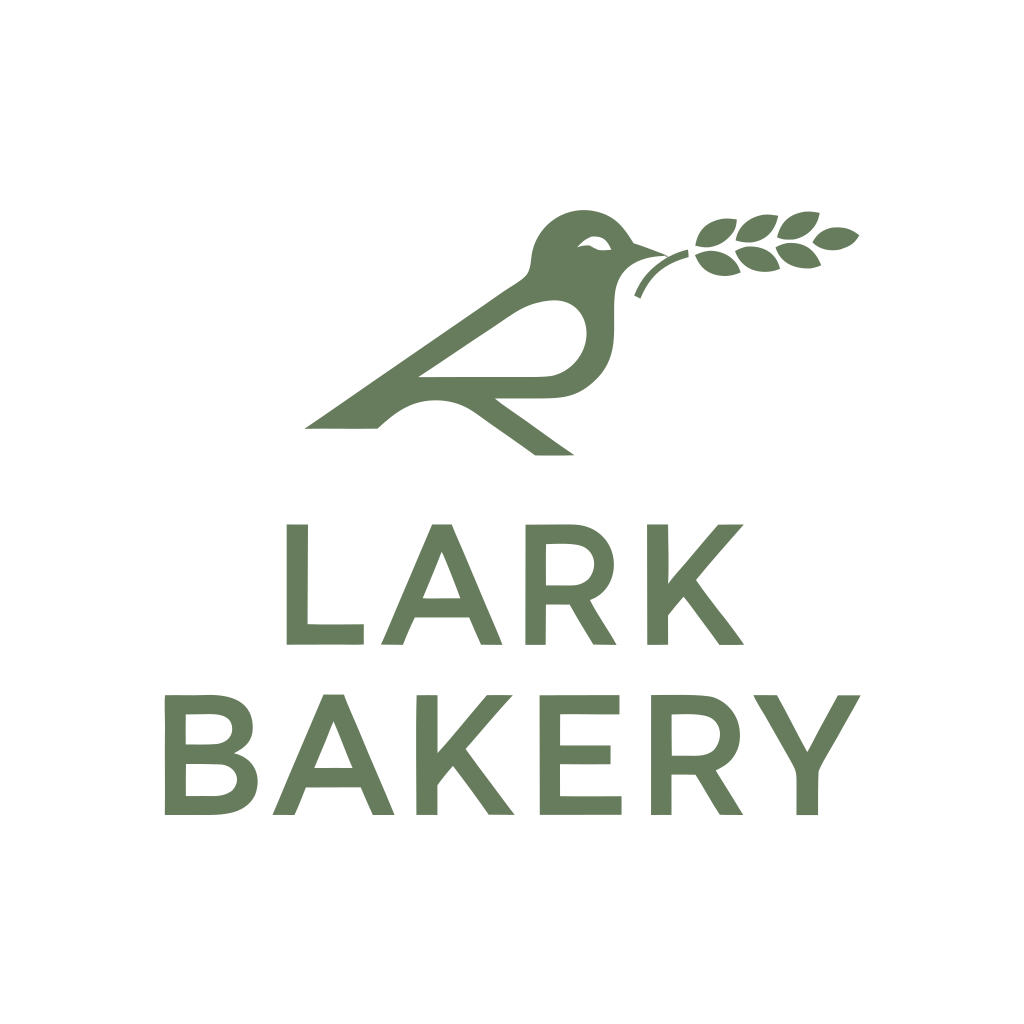

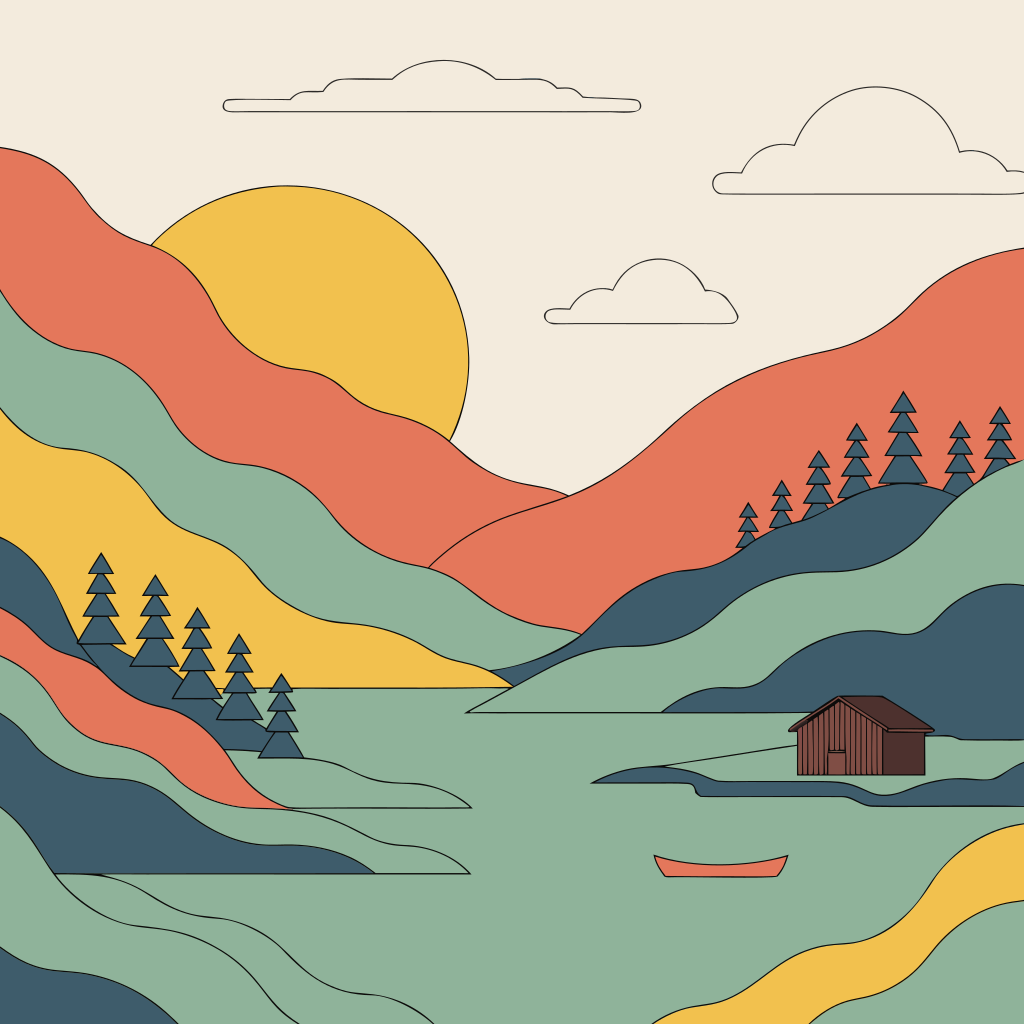
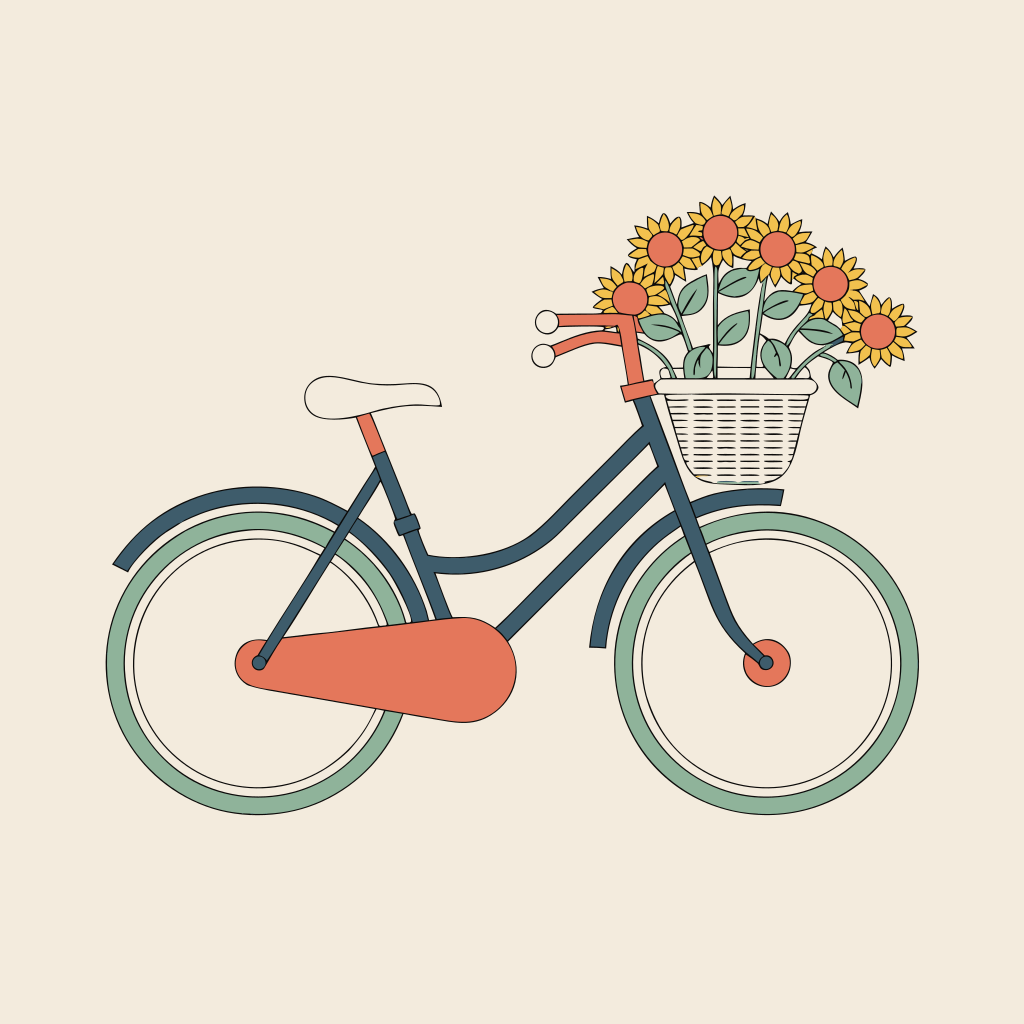
Prices
| Recraft V4.1 Vector | 8 credits per image |
|---|
| Recraft V4.1 Pro Vector | 30 credits per image |
|---|
| Recraft V4 Vector | 8 credits per image |
|---|
| Recraft V4 Pro Vector | 30 credits per image |
|---|
Prices are in credits. The total for a generation shows on the button before you start.
Prices and capabilities checked against the studio catalog on October 7, 2026
How to start
- Open the image studio and pick Recraft V4.1 Vector.
- Describe the logo: name, field, style and colors.
- Choose the number of variations and press the button with the price.
- Download the variation you like as SVG.
Vector models
- Recraft V4.1 Vector — 8 credits per image.
- Recraft V4.1 Pro Vector — the senior version: 30 credits per image.
- Recraft V4 Vector and V4 Pro Vector — the previous generation.
- All of them give up to 6 variations per run and take one reference image, such as your sketch.
How to describe a logo
- Name and field: “a logo for a coffee shop called Morning, minimalist.”
- Shape and style: flat, line art, geometric, a badge or a single letter.
- Colors: “two colors — navy and coral.”
- What you don’t want: “no gradients and no small details.”
Text in logos
Check the letters: the model can get the lettering wrong. If the name doesn’t come out right, make the mark without text and set the name in a font in an editor — that’s easy with SVG.
Raster logos and icons
If you don’t need SVG, you can make a logo in other models too: GPT Image 2.5 draws with a transparent background, and Nano Banana Pro goes up to 4K. Drafts are easy to make for free in GPT Image 2.5 on the daily allowance.
Rights to the logo
AstraGPT makes no claim to the result. Before you use the logo or register it as a trademark, check that it doesn’t look like someone else’s mark.