Images
AI photo editor: edit photos by describing the change
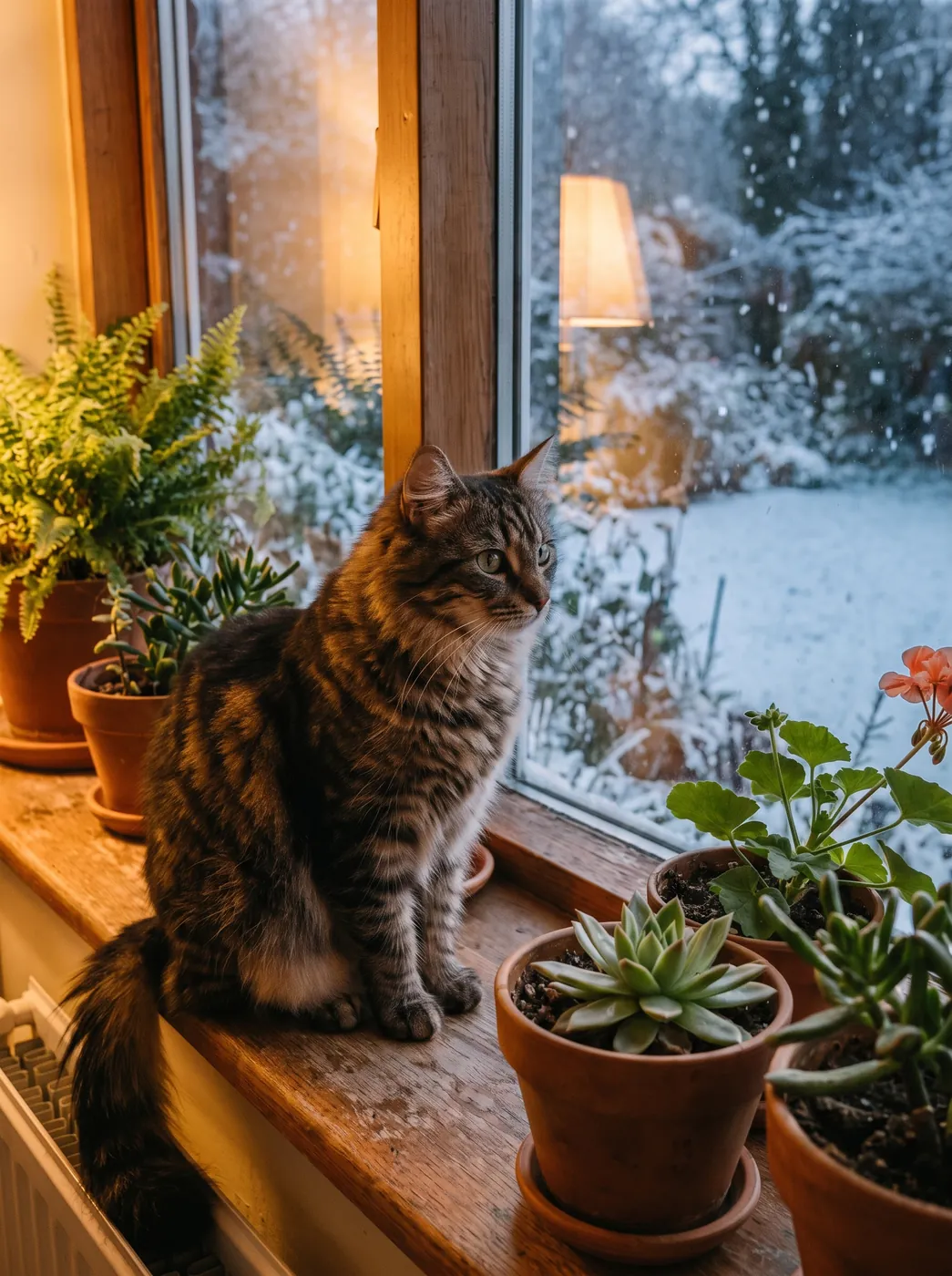
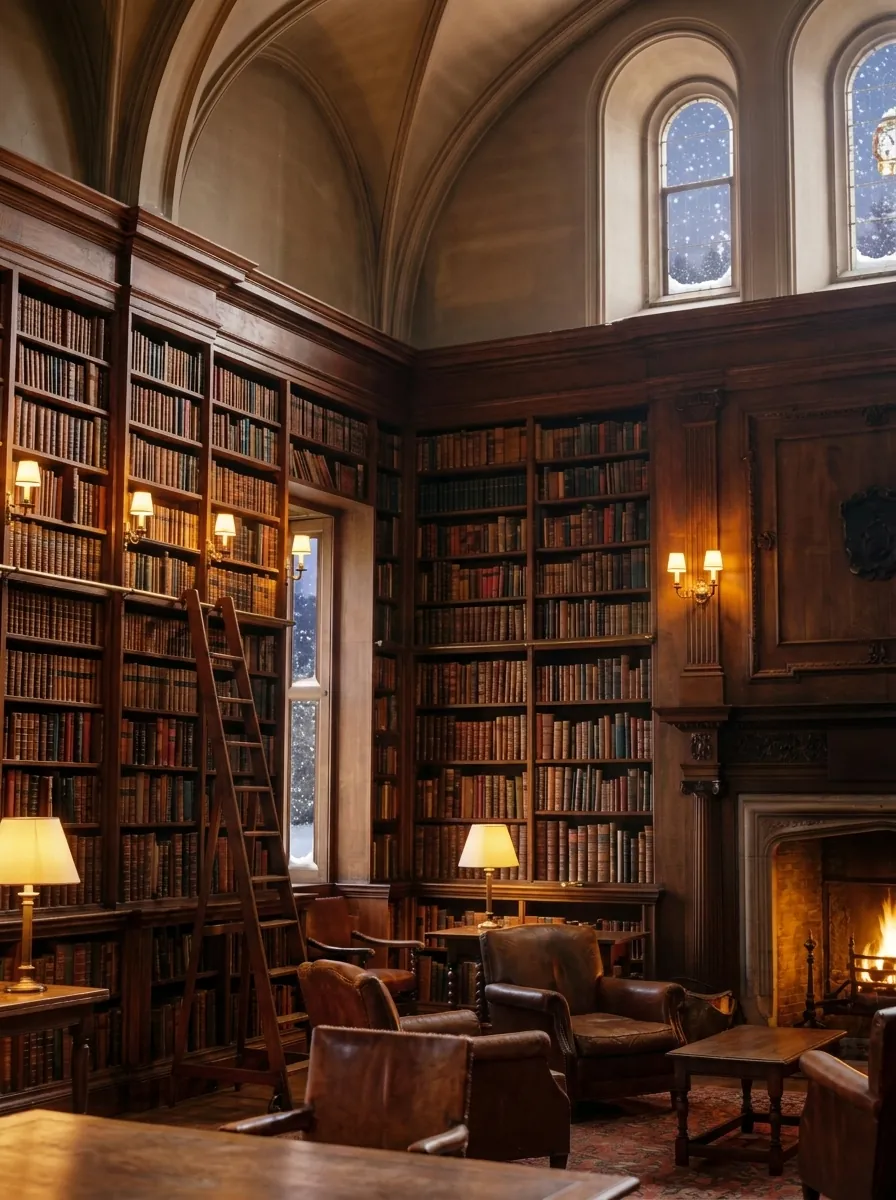
Upload a shot and write in plain words what to change: swap the background, change the outfit, add an object, turn the photo into a watercolor or anime. The model redraws the shot from your description.
Upload a photoNano Banana Pro — from 14 credits per image
Examples
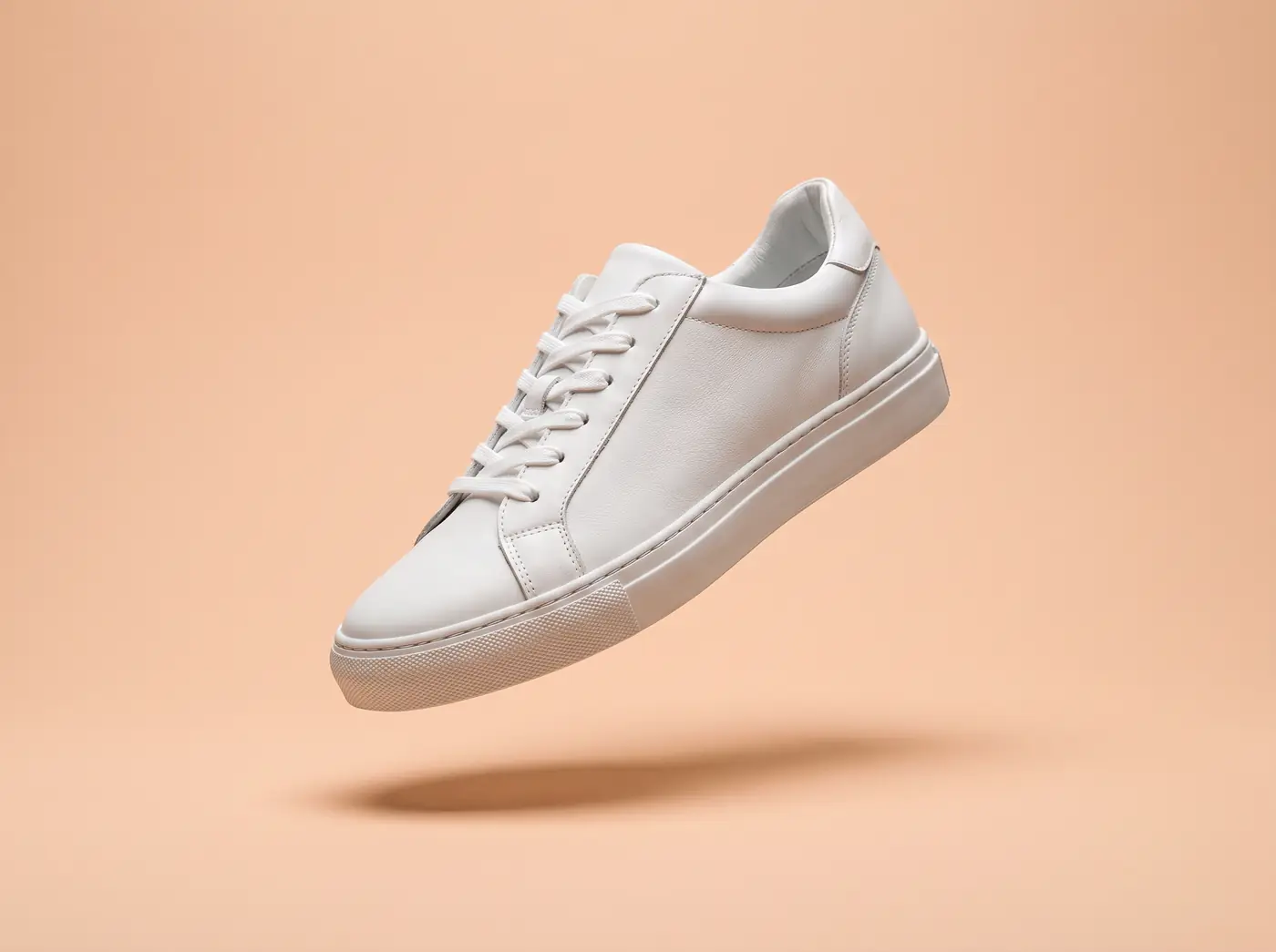 Before
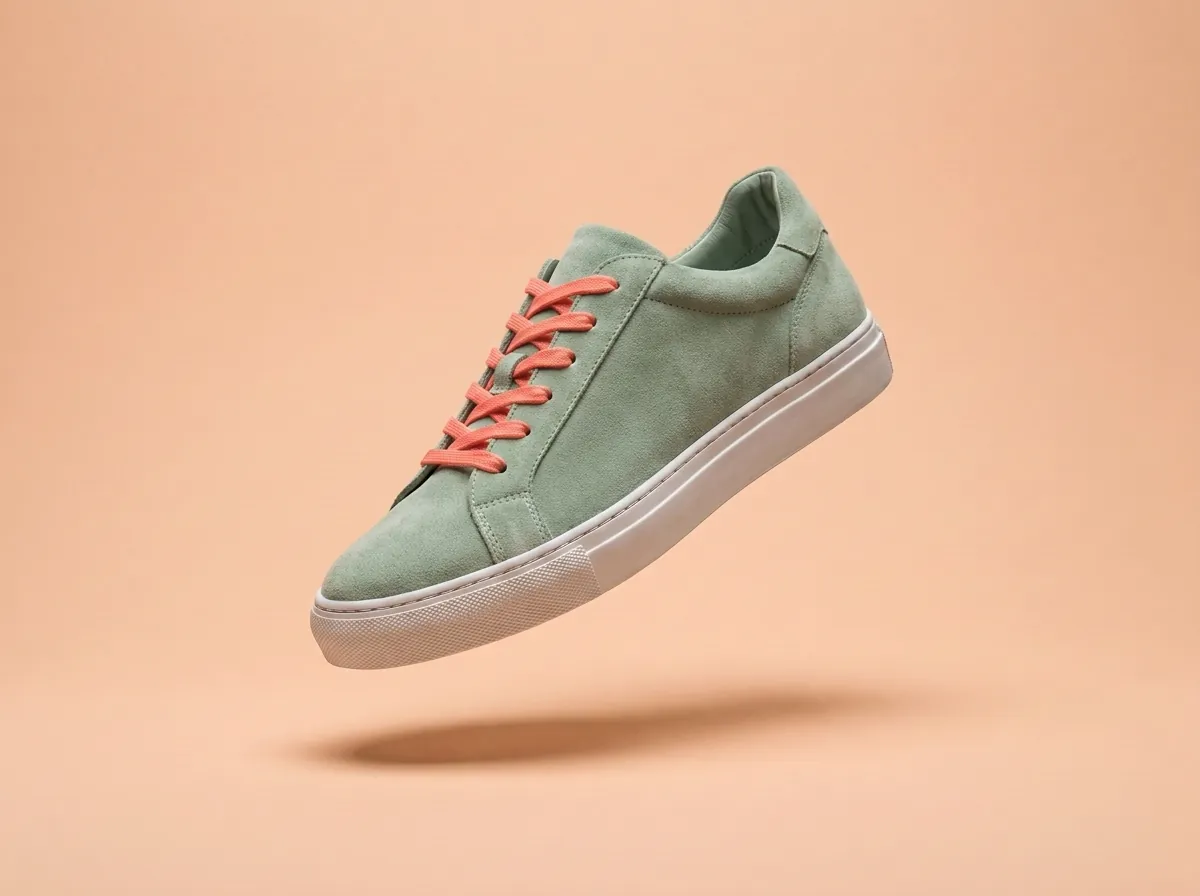 AfterBefore
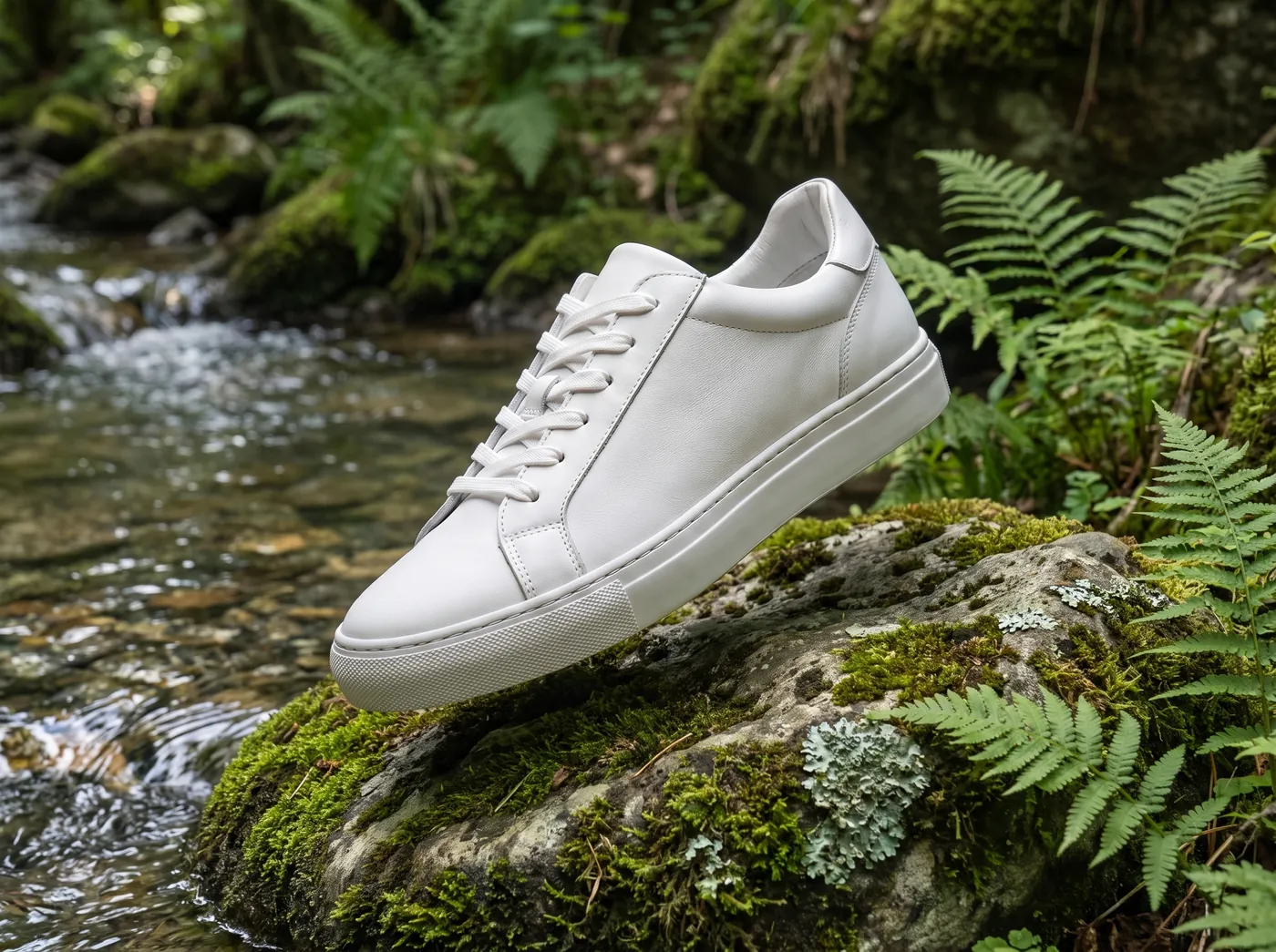 After
After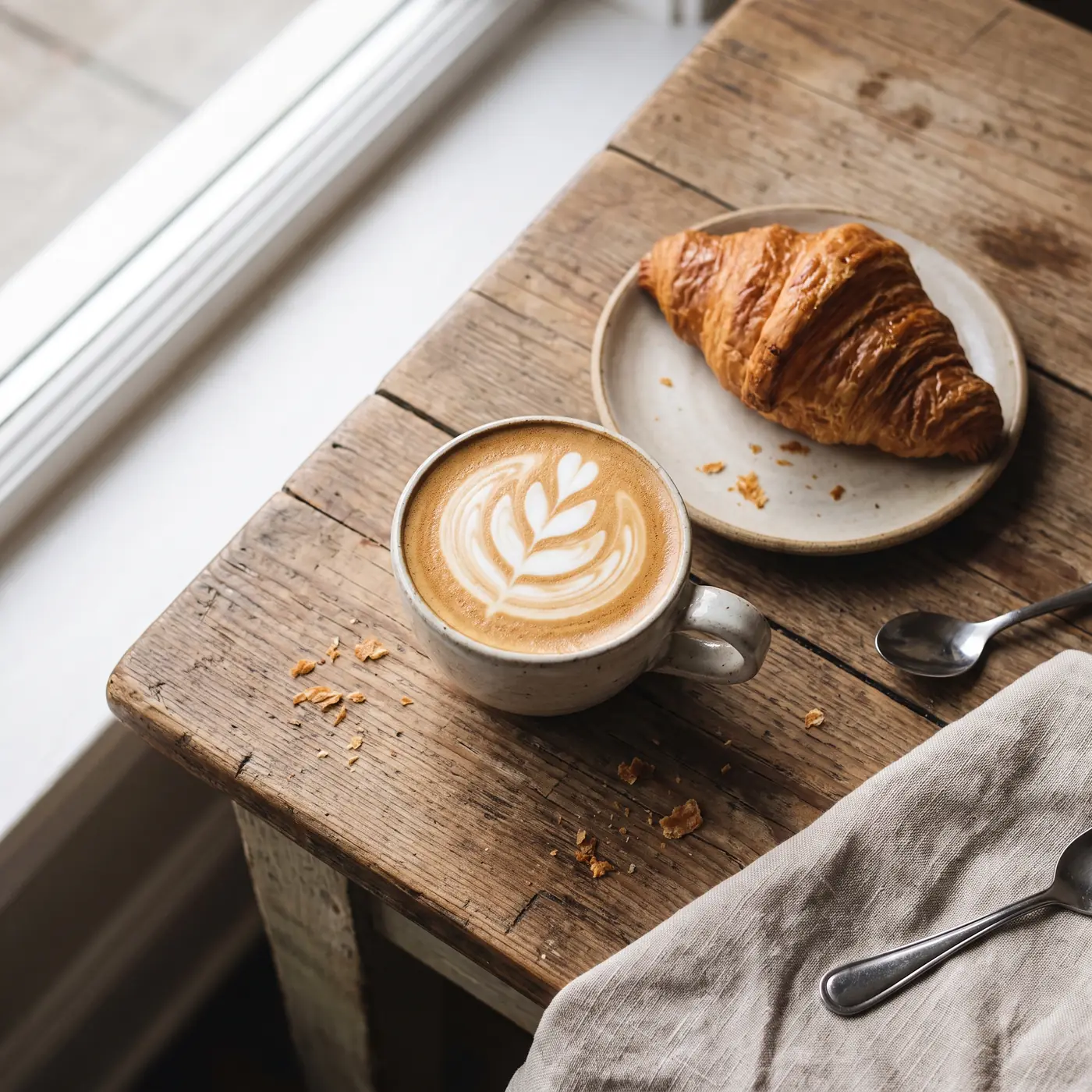 Before
 After
After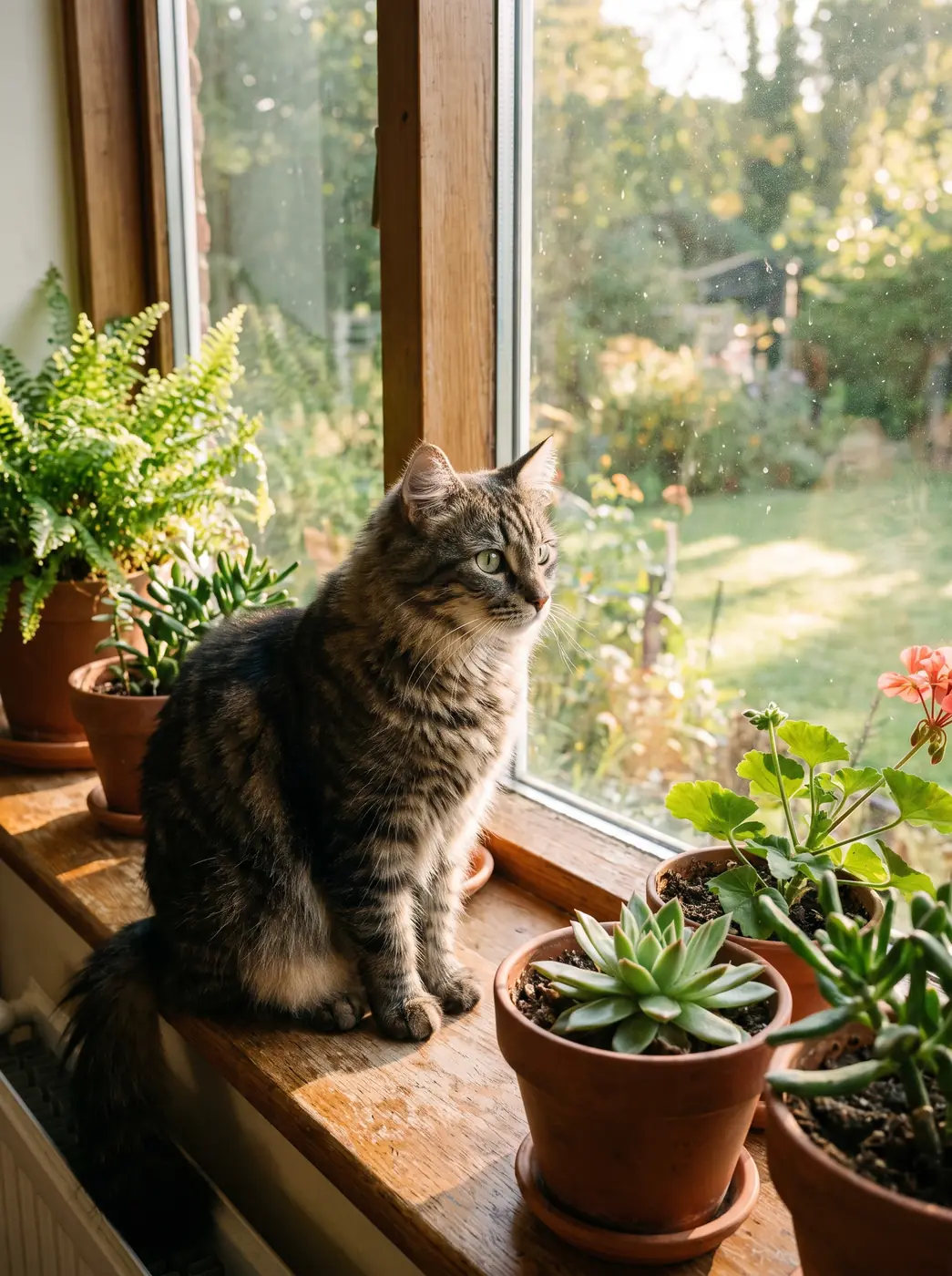 Before
 After
After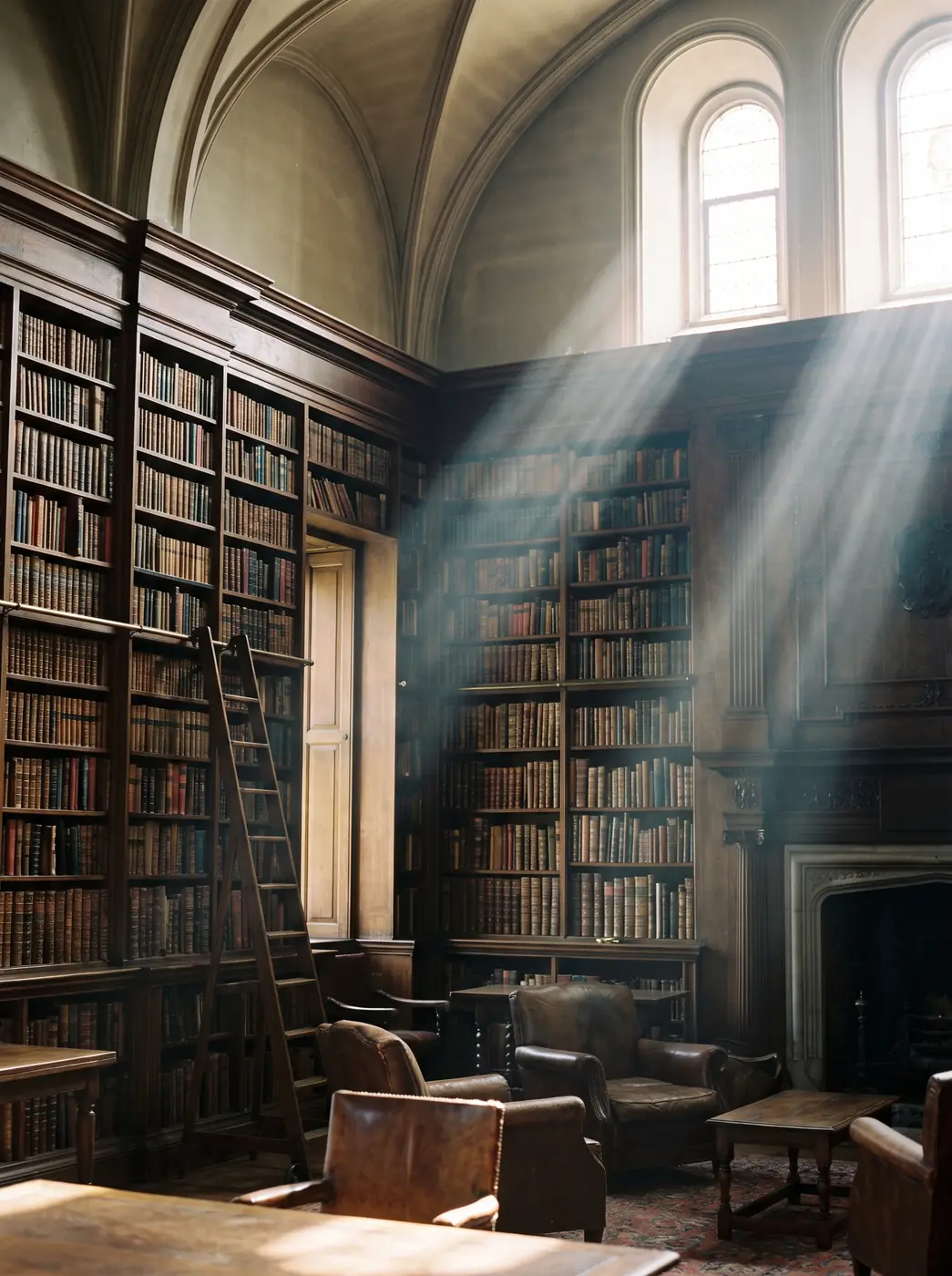 Before
 After
AfterPrices
| 1K | 14 credits |
|---|---|
| 2K | 27 credits |
| 4K | 54 credits |
| GPT Image 2.5 | from 3 credits per image |
|---|
| 1K | 5 credits |
|---|---|
| 2K | 9 credits |
| FLUX.2 Flex | 12 credits per image |
|---|
| 1K | 3 credits |
|---|---|
| 2K | 3 credits |
Prices are in credits. The total for a generation shows on the button before you start.
Prices and capabilities checked against the studio catalog on October 7, 2026
How to start
- Open the image studio and pick a model.
- Add a photo — JPG, PNG, WEBP or HEIC up to 10 MB.
- Write what to change and what to keep.
- Press the button with the price. The result appears in My images.
What you can do
- Swap the background: a studio, the sea, a city, a solid color.
- Change the clothes, hairstyle, time of day or weather.
- Add or remove an object.
- Redraw the photo in a style: watercolor, anime, clay, oil painting.
- Combine several shots: a person from one, the background from another.
Which models edit photos
- Nano Banana Pro and Nano Banana 2 — up to 14 photos in one request, results up to 4K.
- GPT Image 2.5 — up to 16 photos and a transparent background; with one photo at low quality it’s free on the daily allowance.
- Seedream 5.0 Pro — up to 14 photos and many aspect ratios.
- FLUX.2 Pro, Flex and Max — up to 8 photos. According to the developer, FLUX.2 Flex handles text and small details well.
- Qwen Image 3 and Grok Imagine Image — edits for a small number of credits.
How to write an edit prompt
- Say what to change and what to keep: “keep the face and pose, replace the background with a snowy forest.”
- If there are several photos, say what to take from each: “the person from the first shot, the interior from the second.”
- For text on the image, choose high quality.
- If the result goes off track, don’t rewrite everything — adjust one detail and run it again.
Price and rules
An edit costs the same as a generation: credits per image, with the price on the button before you start. GPT Image 2.5 edits for free on the daily allowance: one photo, low quality, 1K. Use photos of other people only with their consent.
FAQ
Can I edit a photo for free?
Yes, in GPT Image 2.5: one reference photo, low quality and 1K within your plan’s daily allowance — 5 a day on the Free plan.
Which photo formats work?
JPG, PNG, WEBP and HEIC up to 10 MB.
Can I remove the background?
Any model can replace the background from a description. GPT Image 2.5 and Riverflow V2.5 Pro can output a transparent background — it’s a model setting.
Can I improve photo quality?
There’s no separate enhancer. You can ask a model to redraw the shot sharper at 2K or 4K, for example Nano Banana Pro, but the face and small details may change a little.
Will the face stay the same?
Models try to keep what you ask them to keep, but they don’t guarantee an exact copy. Say explicitly that the face must not change, and check the result.
Can I edit photos of other people?
Only with their consent. The service rules prohibit impersonating someone else and violating other people’s rights.