OpenAI · Images
GPT Image 2.5 and GPT Image 2 online
GPT Image 2.5 is OpenAI’s model for creating and editing images. In AstraGPT it draws without credits every day: 5 a day at low quality on the Free plan. Next to it are GPT Image 2.5 Sunburst and the previous generation, GPT Image 2.
Open GPT Image 2.5GPT Image 2.5 — from 3 credits per image
AstraGPT is an independent service. The models are made by their developers; we give access to them through our studio and aren’t affiliated with those companies.
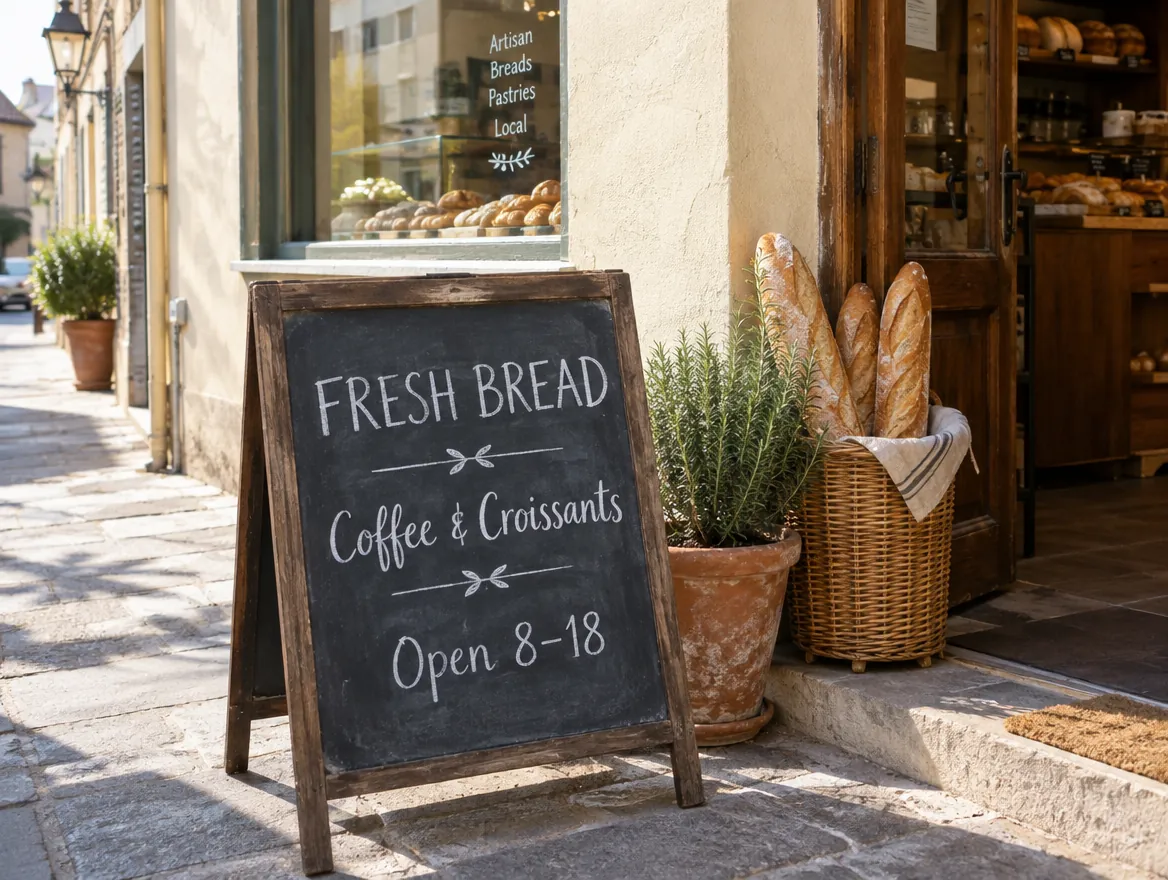
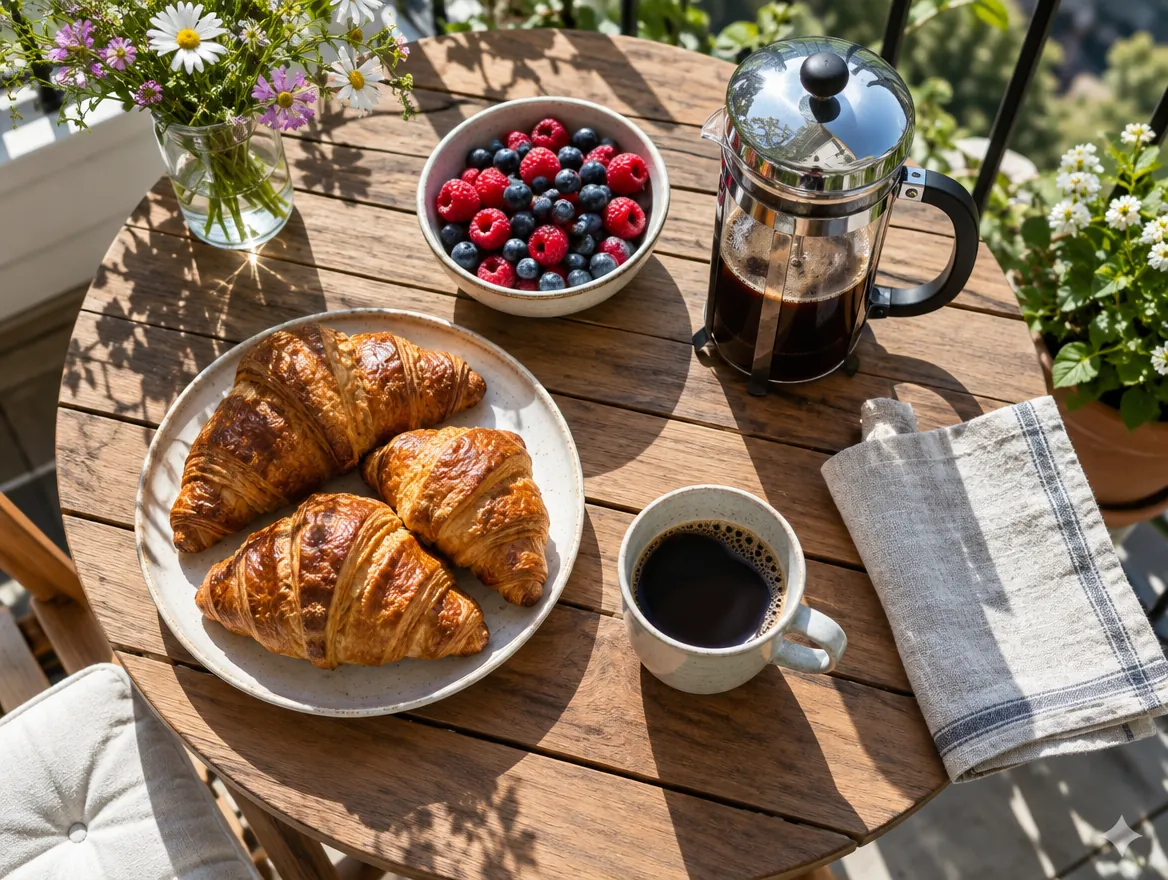
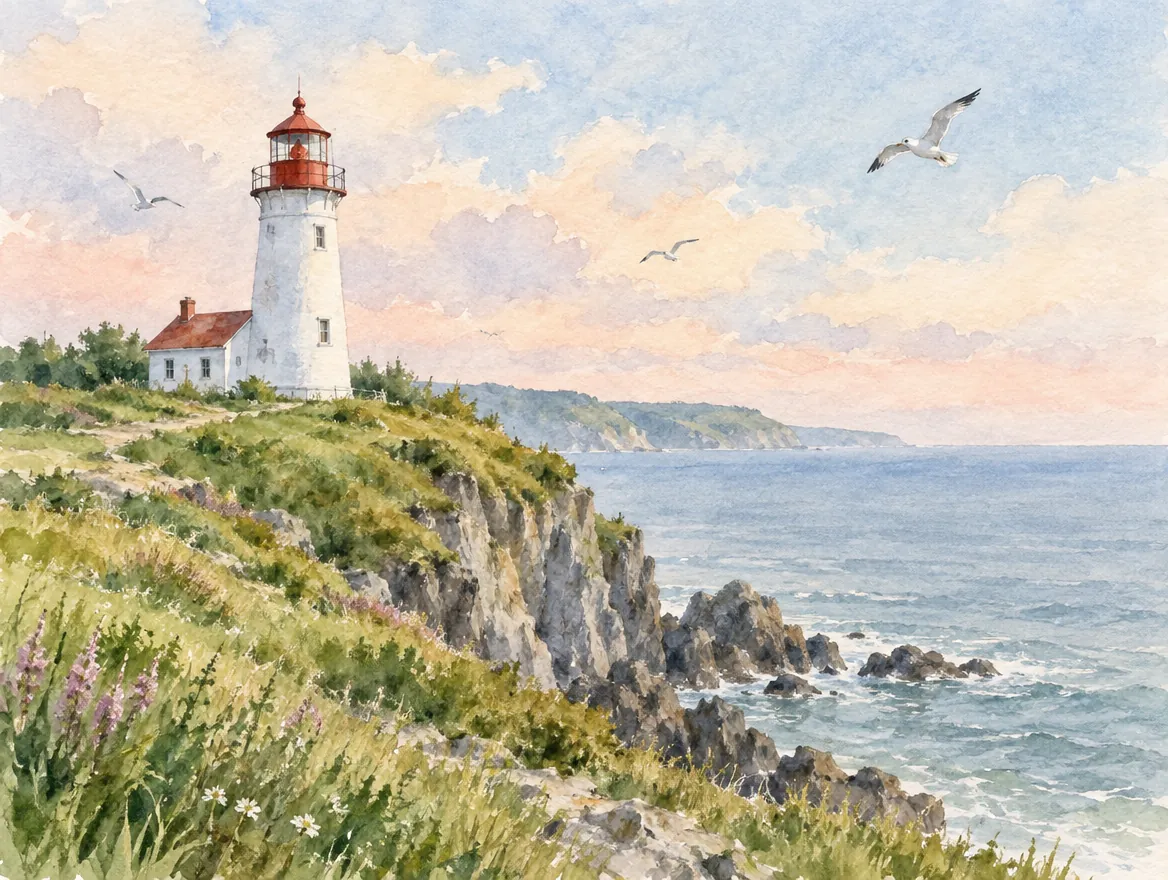
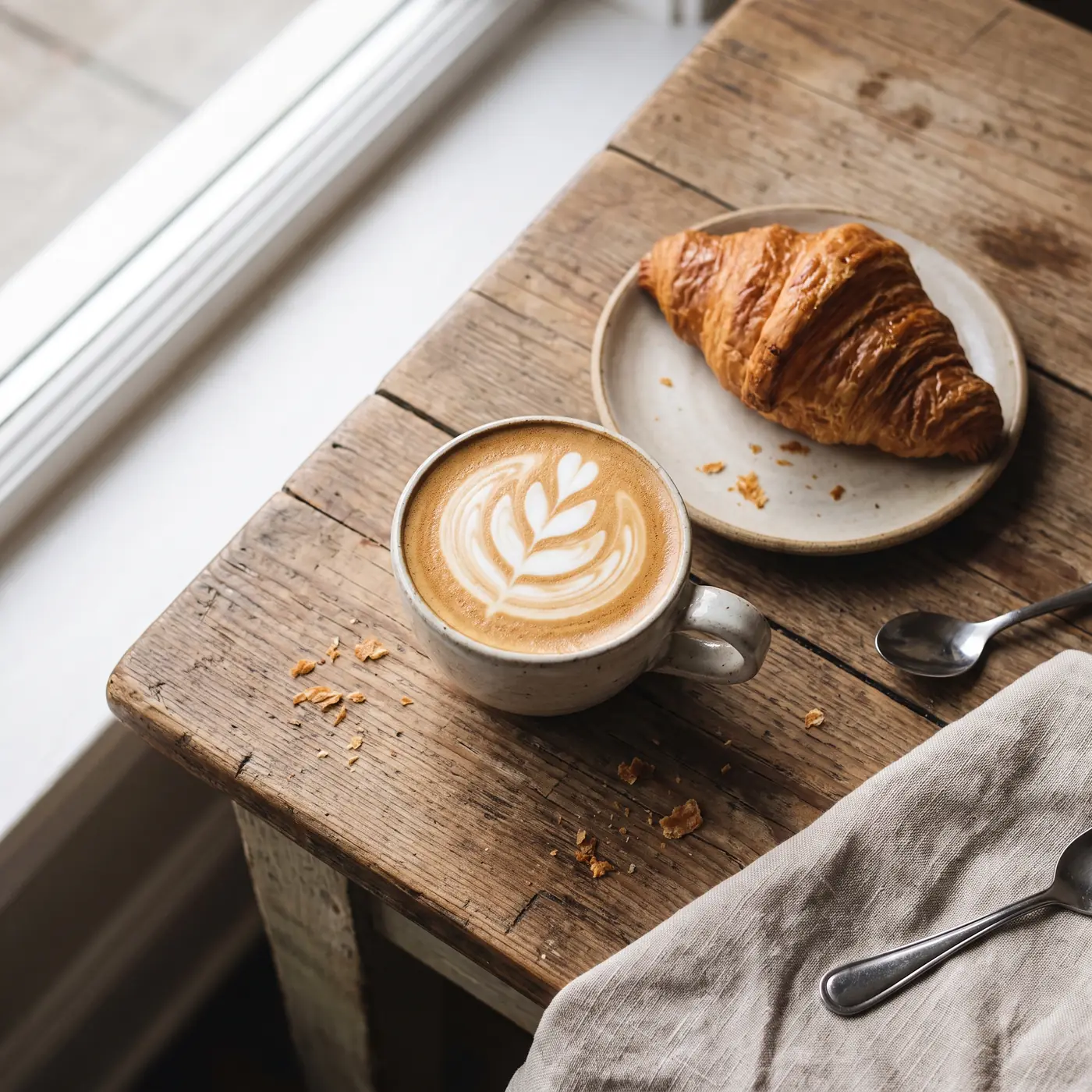
Examples
 Before
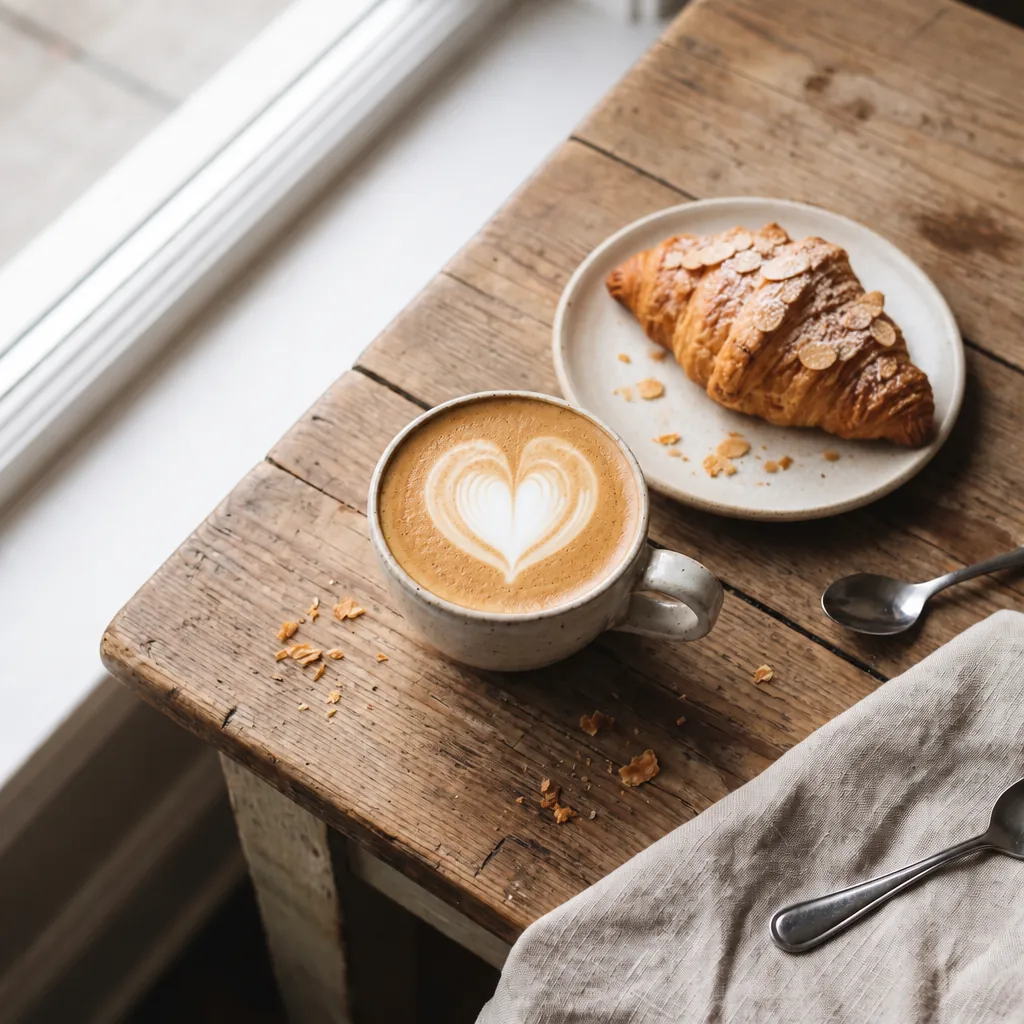 After
After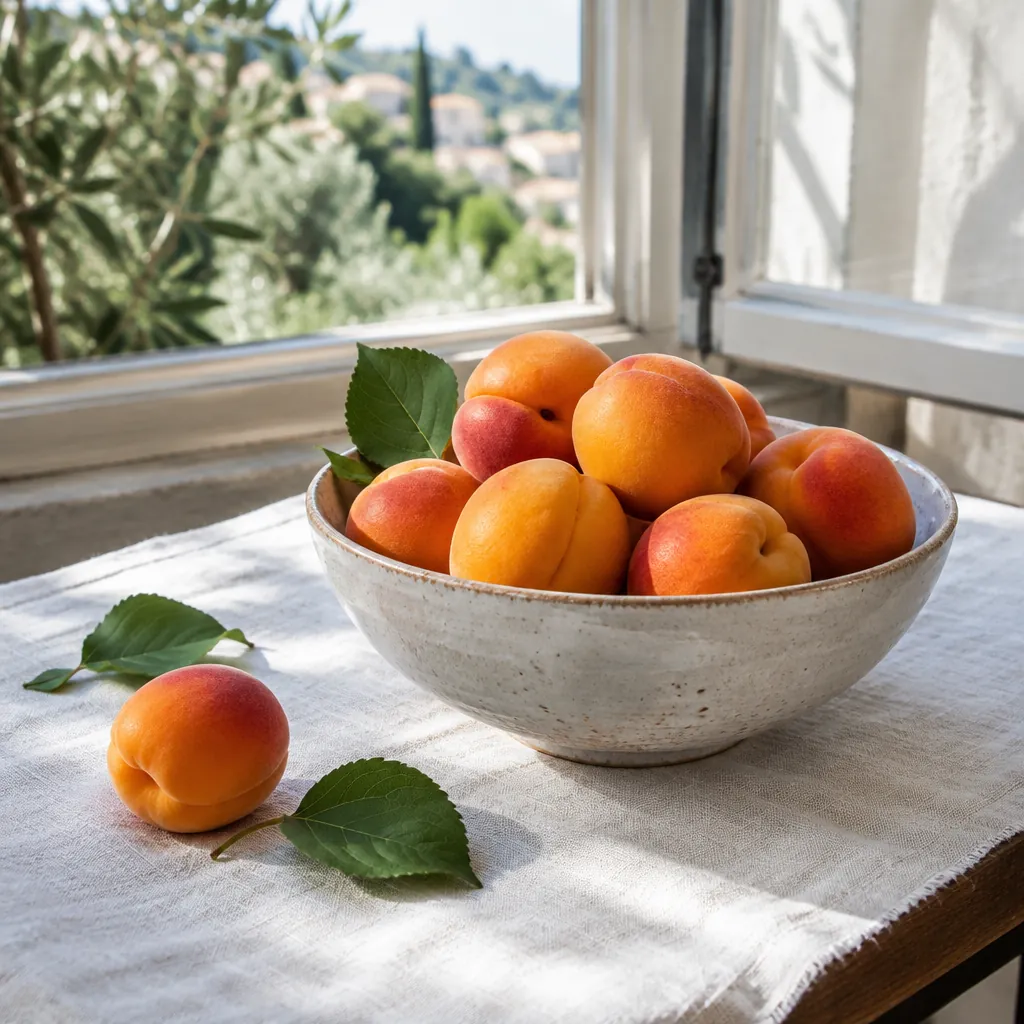
Capabilities
- Aspect ratios
- 1:1, 3:2, 2:3, 4:3, 3:4, 16:9, 9:16, 21:9, Auto
- Quality
- low, medium, high, xhigh, max
- Reference images
- 16
- Images per run
- 10
- Transparent background
- yes
Prices
| GPT Image 2.5 | from 3 credits per image |
|---|
| GPT Image 2.5 Sunburst | from 3 credits per image |
|---|
| GPT Image 2 | from 3 credits per image |
|---|
Prices are in credits. The total for a generation shows on the button before you start.
Prices and capabilities checked against the studio catalog on October 7, 2026
How to start
- Press Open GPT Image 2.5 and log in with Telegram.
- Describe the image or add a photo to edit.
- Keep low quality and 1K to use your free allowance, or pick a higher quality.
- Press the button — it shows whether the run is free or paid in credits.
How many images are free
The GPT Image 2.5 allowance depends on your plan and resets every day at 00:00 Moscow time:
- Free plan: 5 a day.
- AstraLITE: 15 a day; AstraONLY: 30.
- Higher plans have an even bigger allowance and add free GPT Image 2 images — see pricing.
What counts as a free image
Free means low quality, 1K, one image per run and no more than one reference image. Other settings and images beyond the allowance cost credits, and the price shows on the button. The button also shows whether a run uses your free allowance.
Three GPT Image models
- GPT Image 2.5 (Flare) — according to OpenAI, the fast tier of the 2.5 series. Five quality levels: low, medium, high, very high and maximum.
- GPT Image 2.5 Sunburst — the precise tier of the same series: the same settings, but no free allowance.
- GPT Image 2 — the previous generation with three quality levels. It has a free allowance on AstraPRO and higher plans.
What they can do
- Up to 10 images per run.
- Up to 16 reference images to edit and combine shots.
- A transparent background in GPT Image 2.5 and Sunburst — for stickers, icons and product photos.
- Aspect ratios: 1:1, 3:2, 2:3, 4:3, 3:4, 16:9, 9:16, 21:9, Auto.
How to choose the quality
Low quality is fine for ideas and drafts — and it’s free within the allowance. For a final image, pick High or Very high: small details and text come out sharper. Maximum is the most detailed, but it takes longer and costs more.