Recraft · Images
Recraft V4.1 Vector — image generation and editing
Image generation and editing. Modes: generation, editing. See supported settings and current cost below. Start a request separately in the studio.
Try8 credits per image
AstraGPT is an independent service. The models are made by their developers; we give access to them through our studio and aren’t affiliated with those companies.
Examples

Capabilities
- Aspect ratios
- 1:1, 4:3, 3:4, 16:9, 9:16, Auto
- Reference images
- 1
- Images per run
- 6
- Transparent background
- no
Prices
| Recraft V4.1 Vector | 8 credits per image |
|---|
Prices are in credits. The total for a generation shows on the button before you start.
Prices and capabilities checked against the studio catalog on November 22, 2026
How to start
- Open the image studio and select Recraft V4.1 Vector.
- Describe the subject, setting and style; add a source image only when the selected mode accepts it.
- Choose the available format and resolution, check the price on the button, then confirm the request.
What our verified examples show
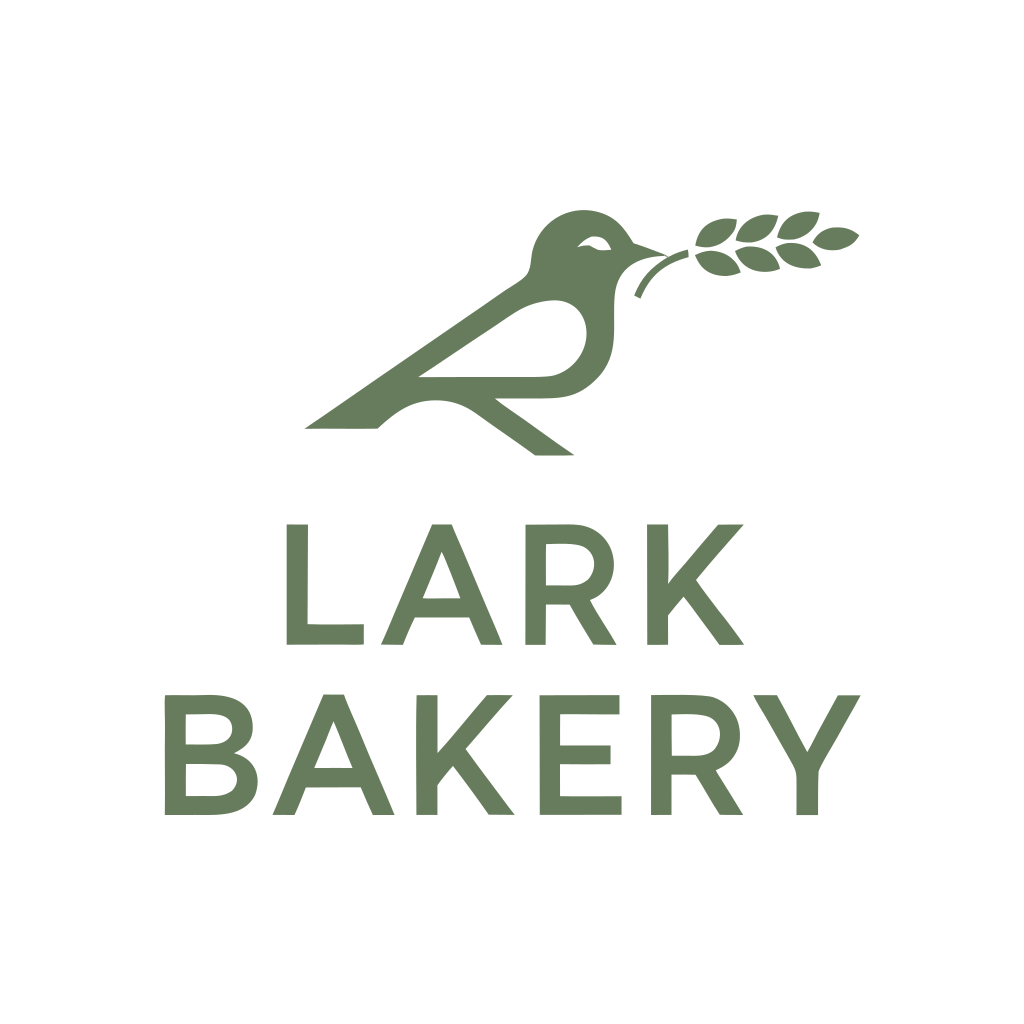
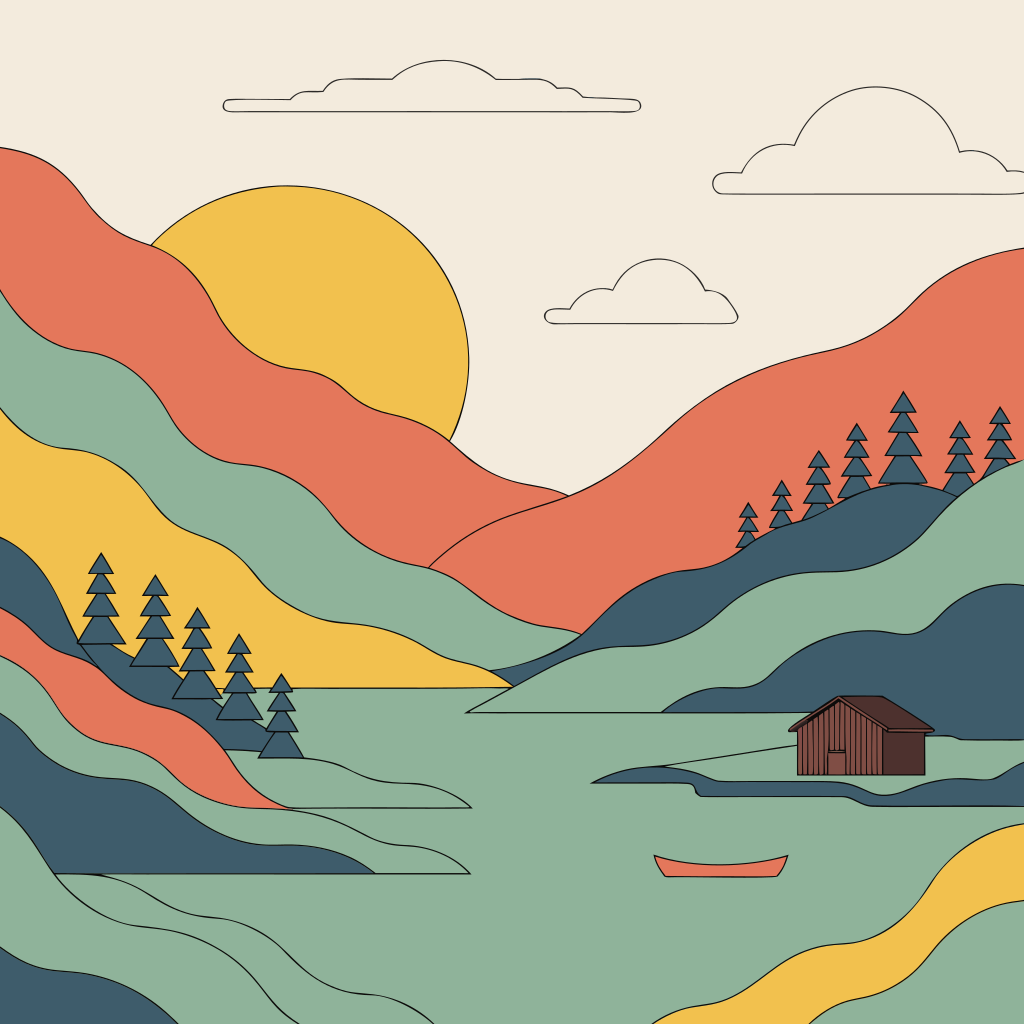
The verified set includes two SVG logo marks and a flat vector landscape. The page serves the actual SVG files so edges and shapes can be inspected.
Inputs and limits
The model makes up to 6 variants and accepts the reference count shown below. Generated lettering can be wrong; proofread names or add final type in an editor.
How to choose
Choose Recraft Vector when the deliverable must remain editable SVG. Choose a raster model such as GPT Image 2.5 for photographic scenes or pixel-based edits.